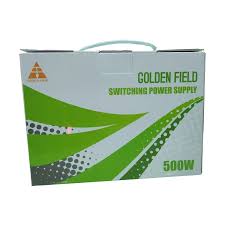
Golden Field GF500 500W Power Supply
Power Supply Units [PSUs] are frequently overlooked during PC construction, despite their critical role in determining the overall system’s reliability. All of your PC’s components are powered by the PSU. Even if you’re on a tight budget, you don’t want to cut corners when it comes to power. We’re here to talk about the things you should think about before buying a power supply for your computer. Power Supply Golden Field GF500 450W It’s pointless to buy a power supply with far more potential power than you’ll ever use. A PSU calculator web page or software can be useful in determining a rough estimate of your build’s wattage requirement. However, purchasing a PSU that is just above your system’s power requirements is not advised. With a load of 40 to 60%, a power supply achieves maximum efficiency. Furthermore, the performance of a power supply degrades over time. As a result, you should choose a power supply that can power your next few upgrades for several years. You must purchase a power supply that will fit inside your PC case. Higher-wattage PSUs are typically a little longer [than standard 5.5 inch PSUs] to accommodate the additional power components required. This may cause problems with cable routing or the placement of other internal components inside the case. As a result, it is critical to select a power supply that is compatible with your PC case.




Reviews
There are no reviews yet.